
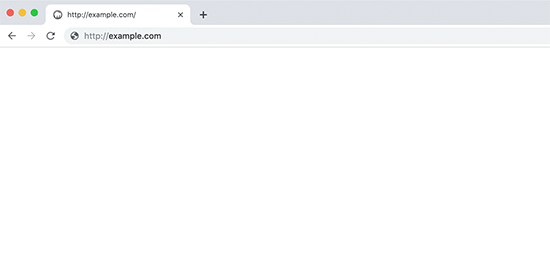

The WordPress white screen of death error usually results in a plain white screen with no error message.
This issue is usually down to a PHP memory limit or a configuration problem on the server.
If you have more than one WordPress website hosted on the same server, begin by checking if your other sites have the white screen of death error.
The problem might be temporary, resolving itself soon but if you’re worried, get in touch with your host’s support service for more details.
If this isn’t the cause of the error, you can try disabling your WordPress theme and plugins, and reactivating them one by one until you replicate the error and find the culprit.
Find the wp-content/themes or wp-content/plugins folders and rename them to something else. This should remove the white screen error.
Then revert the folders to their original names and rename each plugin and theme file inside those folders one by one until you identify the plugin or theme that’s causing your site to break.
