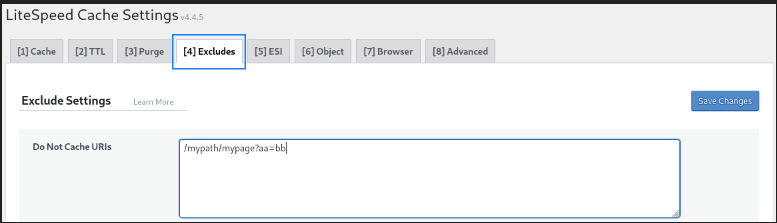
In some cases you need to exclude certain pages from being cached by LiteSpeed. In this article, we are going to discuss how to exclude a specific page from LiteSpeed cache?
Log in to the WordPress Dashboard, click on Light Speed Cache, and then click on the Dashboard button.
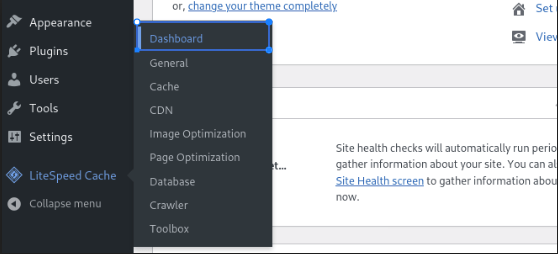
After clicking on the Dashboard button, select the Cache option.
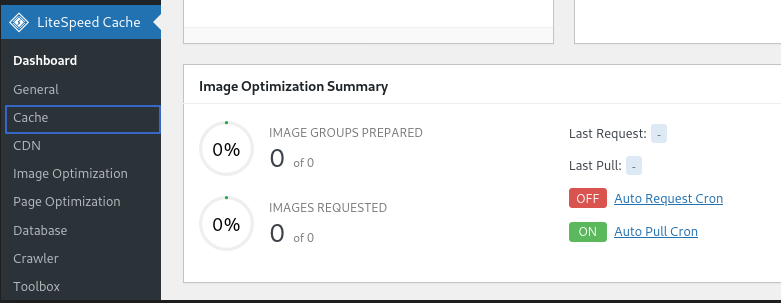
When you click on Cache, you will see the LiteSpeed cache setting. Select the Exclude button and paste the URL of the page you want to exclude.